AI Upscale
Faithful resizing or AI enhancement with 2K and 4K PNG export
Free processing in your browser. Your image stays on your device.
Frequently Asked Questions
How do on-device and cloud processing differ?
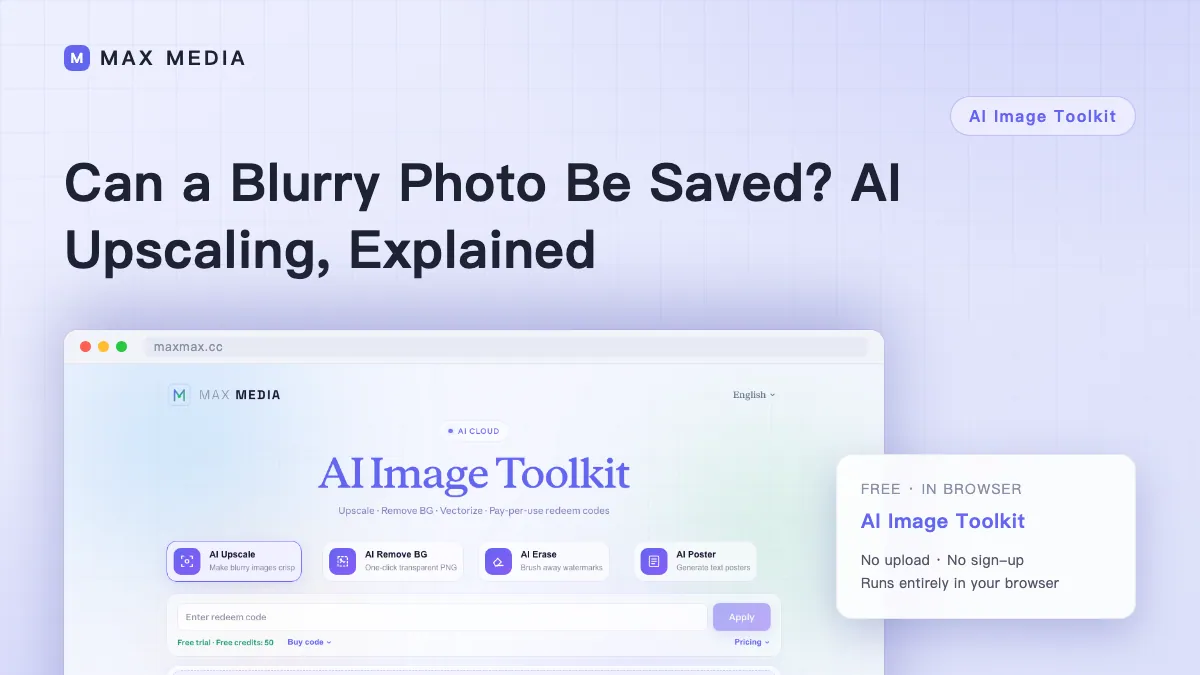
Your browser checks sharpness after you choose an image. It recommends local enhancement for mild blur and faithful resizing for clear or very blurry images. AI photo enhancement and cloud Recraft are also available. Cloud processing uploads the image and uses account credits.
What are the download dimensions?
2K is 2560 × 1440 pixels and 4K is 3840 × 2160 pixels. Portrait exports swap width and height. PNG exports keep the aspect ratio and use transparent padding.
Which files can I upscale?
JPG, PNG and WebP are supported. The file limit is 20 MB on device and 5 MB in the cloud.
Will upscaling restore blurry small text?
Use Faithful resize for floor plans, scans and screenshots. It scales the original pixels and preserves the shapes of letters and lines. Text that is already blurred may still be difficult to read. The original PDF or a high-resolution source can provide more detail.